FarBound
A downloadable game for Windows and Linux
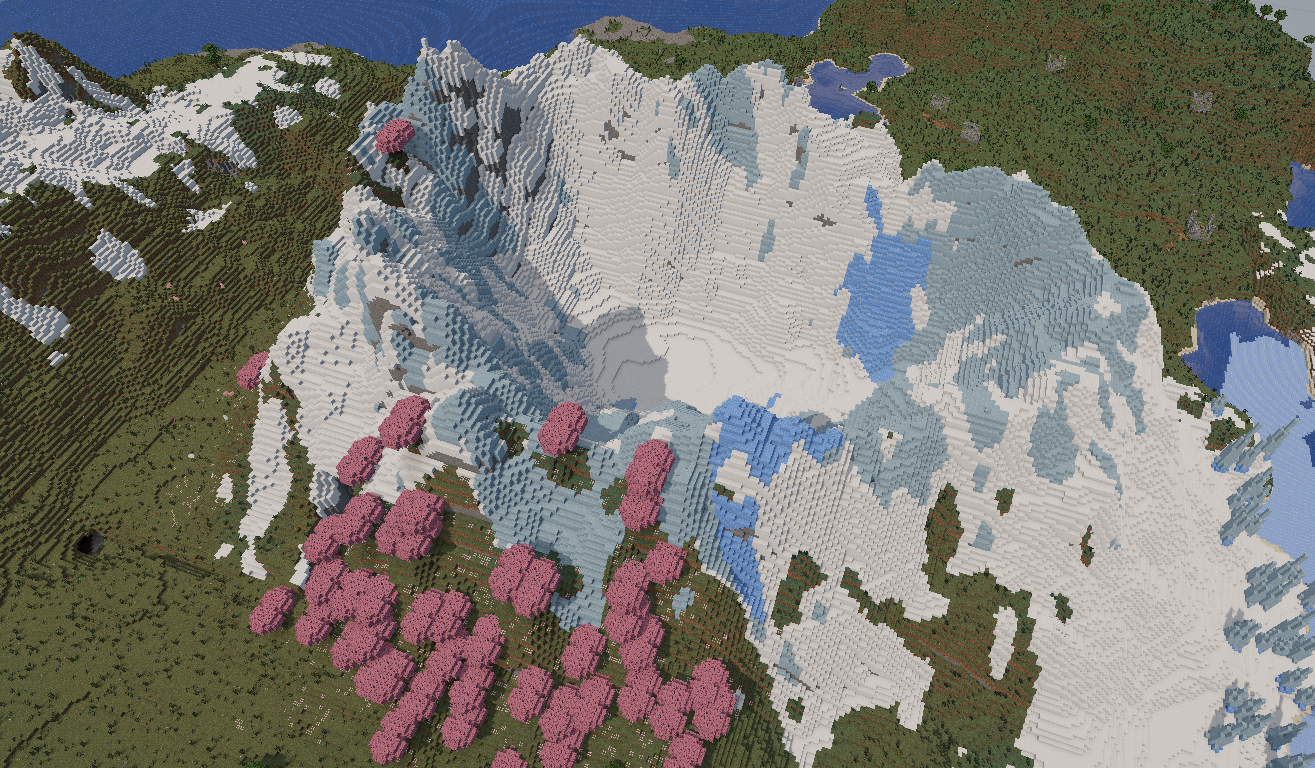
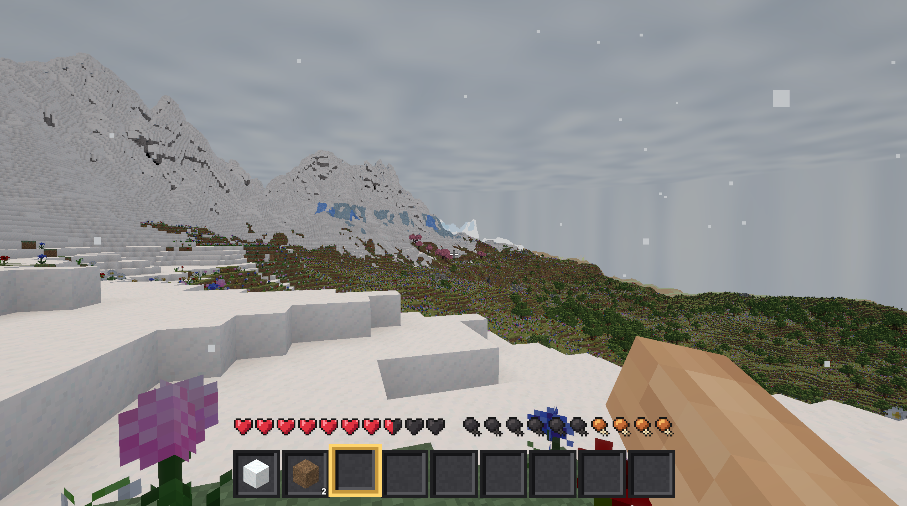
Hey everyone! I'm an independent developer, and this is FarBound, my custom voxel game project. I built a dedicated launcher that automatically handles and downloads all game versions online. The game is constantly evolving—create a free account, download the launcher, and let me know what you think! Your feedback means everything. You can also download on the site, click here.
Download
Install instructions
🚀 How to Download and Play
Getting into the world of FarBound is quick and easy! Just follow these simple steps.
For Windows users:⚠️ Note for Windows Users: Since this is an indie game, Windows SmartScreen might show a warning when you open the launcher for the first time. Don't worry, just click on "More info" and then "Run anyway".
- Download the Setup: Click the Download button above to get the Windows Setup ZIP file.
- Extract the Files: Unzip the downloaded file into a folder on your computer.
- Run the Installer: Open the folder and double-click the setup file to start it.
- Create Your Account: Register your dedicated account directly within the launcher's interface.
- Ready to Play: Log in with your new account! The launcher will automatically download the latest version of the game and launch it for you.
For Linux users:
1. Click the Download button above and get the Linux setup ZIP file.
2. Extract the Files: Unzip the downloaded file into a folder on your computer.
3. Open your terminal in that folder and Run the Installer: Install the package by typing the following command:sudo apt install ./FARBOUND-Setup-Linux-amd64.deb
4. Register your account, and let it download the latest build.
Leave a comment
Log in with itch.io to leave a comment.